Pomofast
How to Plan Your Day with Pomodoro: Goals, Tasks, and a WIP Limit of One
A ten-minute daily planning routine for the Pomodoro Technique: size tasks to one session, queue the day in order, work one task at a time, and review a Done list.
By Sean Bennett · · 7 min read
A timer keeps you focused for 25 minutes. It cannot tell you whether those minutes went to the right thing. This is a ten-minute morning routine that fixes that: size tasks to a Pomodoro, queue the day in order, work one task at a time, and end with a Done list you can review. It uses Pomofast, but the routine is the point.
The problem with a timer alone
The failure mode of the Pomodoro Technique is not skipped breaks. It is running perfectly focused sessions on whatever happened to be in front of you: the inbox, the small bug, the document someone just shared. You end the day with eight tidy ticks and no progress on the thing that mattered. The fix is to decide what the Pomodoros are for before the first one starts, and to keep that decision visible while you work.
The morning routine
1. Pick the goal that matters this week
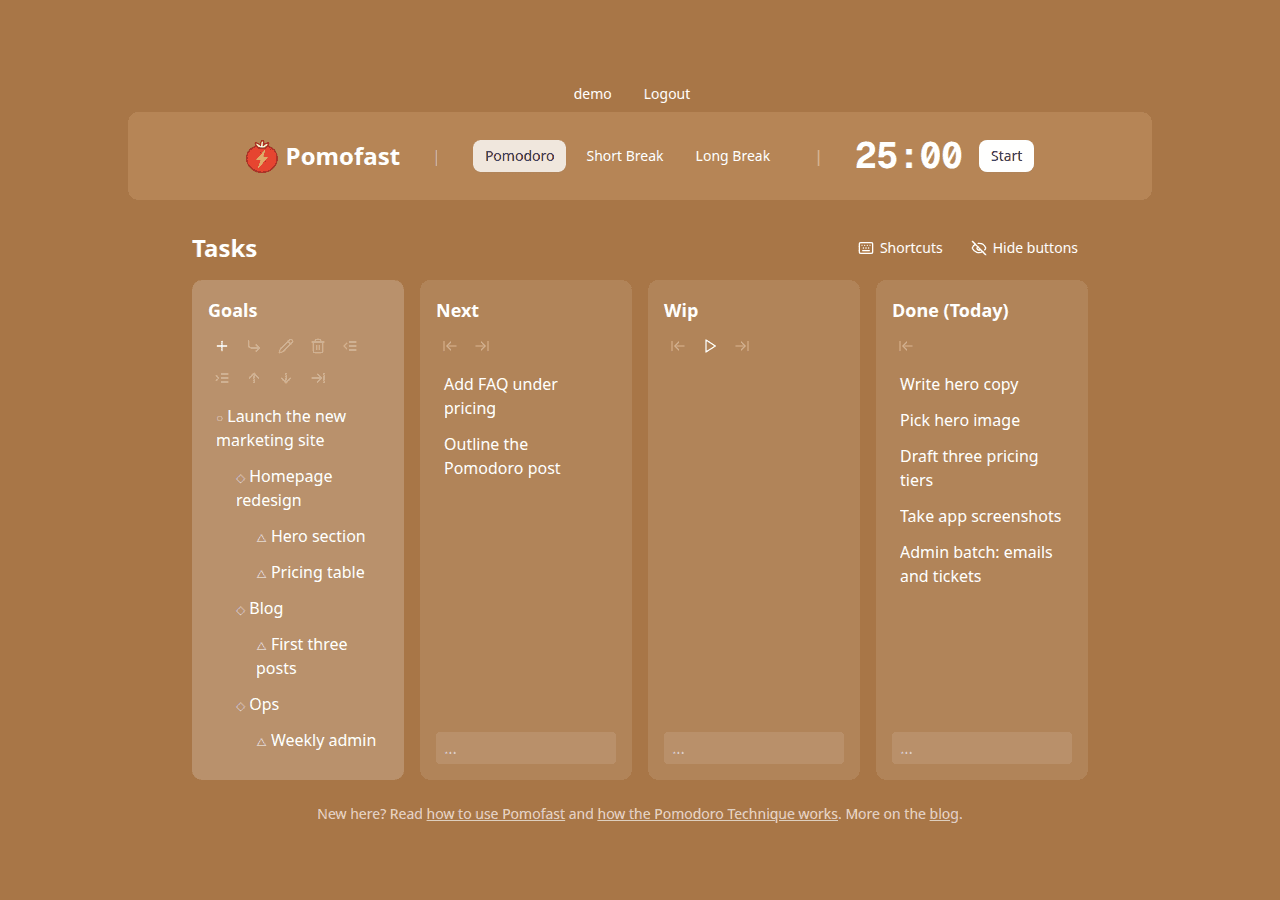
Open the Goals column and look at the top level only. Which goal would you be embarrassed to make no progress on by Friday? That is the one whose tasks go first in today’s queue. Everything else is filler, useful for the end of the day when energy is low.
2. Break it down until the tasks fit a Pomodoro
Expand the goal into projects and features, then write tasks under them. A good task has a verb and a “done when”: Draft the pricing table (done when three tiers are in the doc). If you cannot picture finishing it in one or two sessions, it is still a feature; split it again.
3. Queue six to eight tasks in Next, in order
Send tasks to Next with Tab. Put the hardest one first, while you are fresh, and keep the number honest: six focused Pomodoros is a good day for most people once meetings are subtracted. A queue of twenty is a wish list, not a plan.
4. Decide the first one, then start
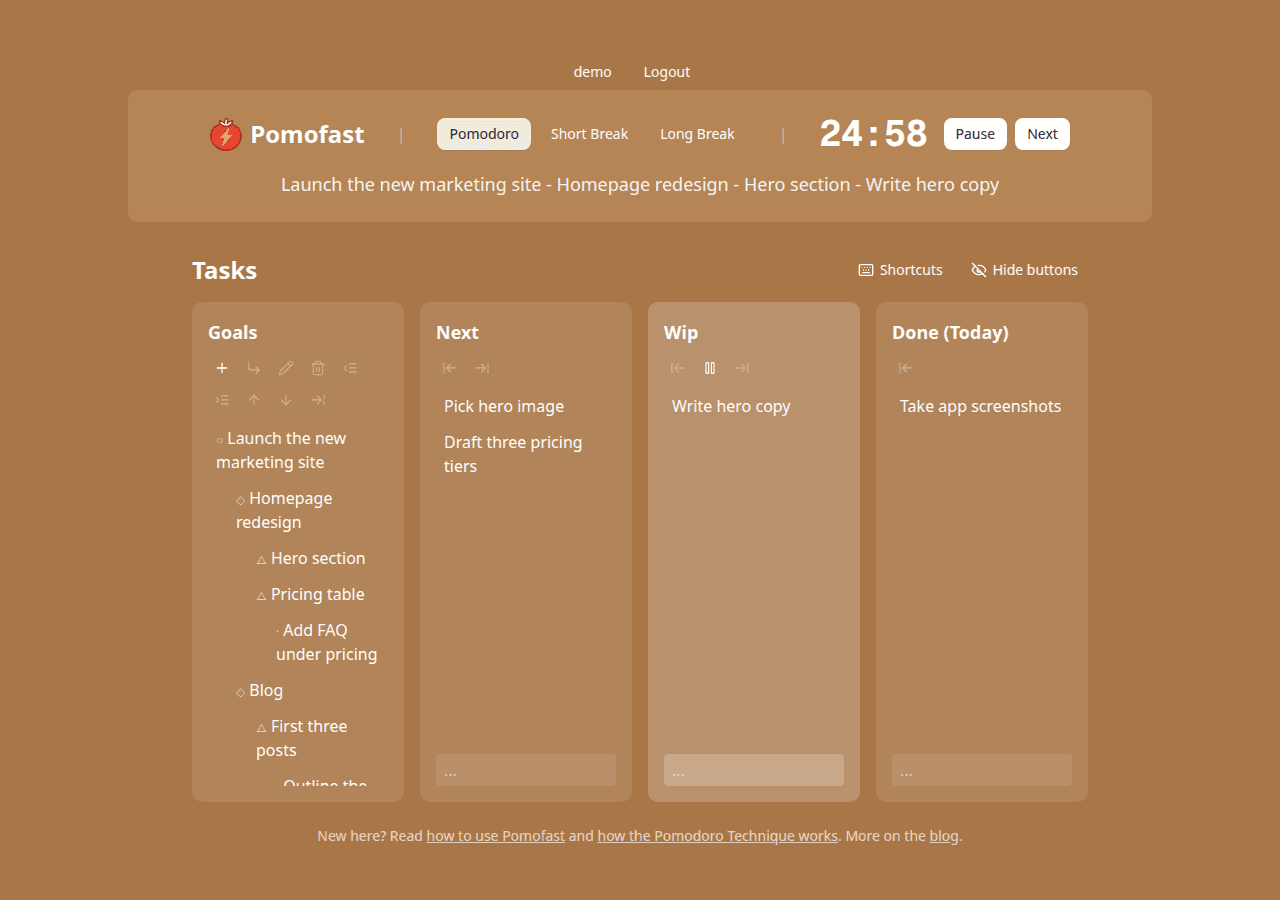
Move the top task into Wip and press Start. The header now shows the full path from goal to task, which is the whole plan compressed into one line. Read it when you drift.
Sizing tasks to a Pomodoro
The sizing rules that keep the queue realistic:
- Two Pomodoros or fewer. Anything longer gets split, even if the split feels artificial (“first half of the outline” is fine).
- Batch the tiny ones. Tasks that take a few minutes each (reply to three emails, rename the files, update the ticket) go together as one “admin” task worth a single session.
- Write the finish line into the task. Vague tasks expand to fill the timer. A done-when clause stops that.
- Estimate in Pomodoros, then check. Write your guess next to the task, count the sessions it actually took, and compare at the end of the week. Your estimates will get sharp quickly.
A WIP limit of one
Work-in-progress limits come from Kanban, and the Pomodoro version is the strictest possible: one. Pomofast gives the Wip column room for exactly the task you are working on, and the running timer shows it in the header. That is not a missing feature. Two tasks in progress means context switching, and context switching is what the timer was supposed to eliminate. If a second task becomes urgent, finish or pause the current session, move the task, then start a new one.
Handling interruptions
Interruptions come in two kinds. Internal ones are your own thoughts: an idea, a thing you forgot, a sudden need to check something. Add them as a task under the relevant goal (the tree is the parking lot) and get back to Wip. External ones are other people. Cirillo’s advice still holds: inform them you are mid-session, negotiate a time, and call back at the break. Most requests survive a 20-minute delay; the ones that do not are rare enough to just void the session.
The evening review
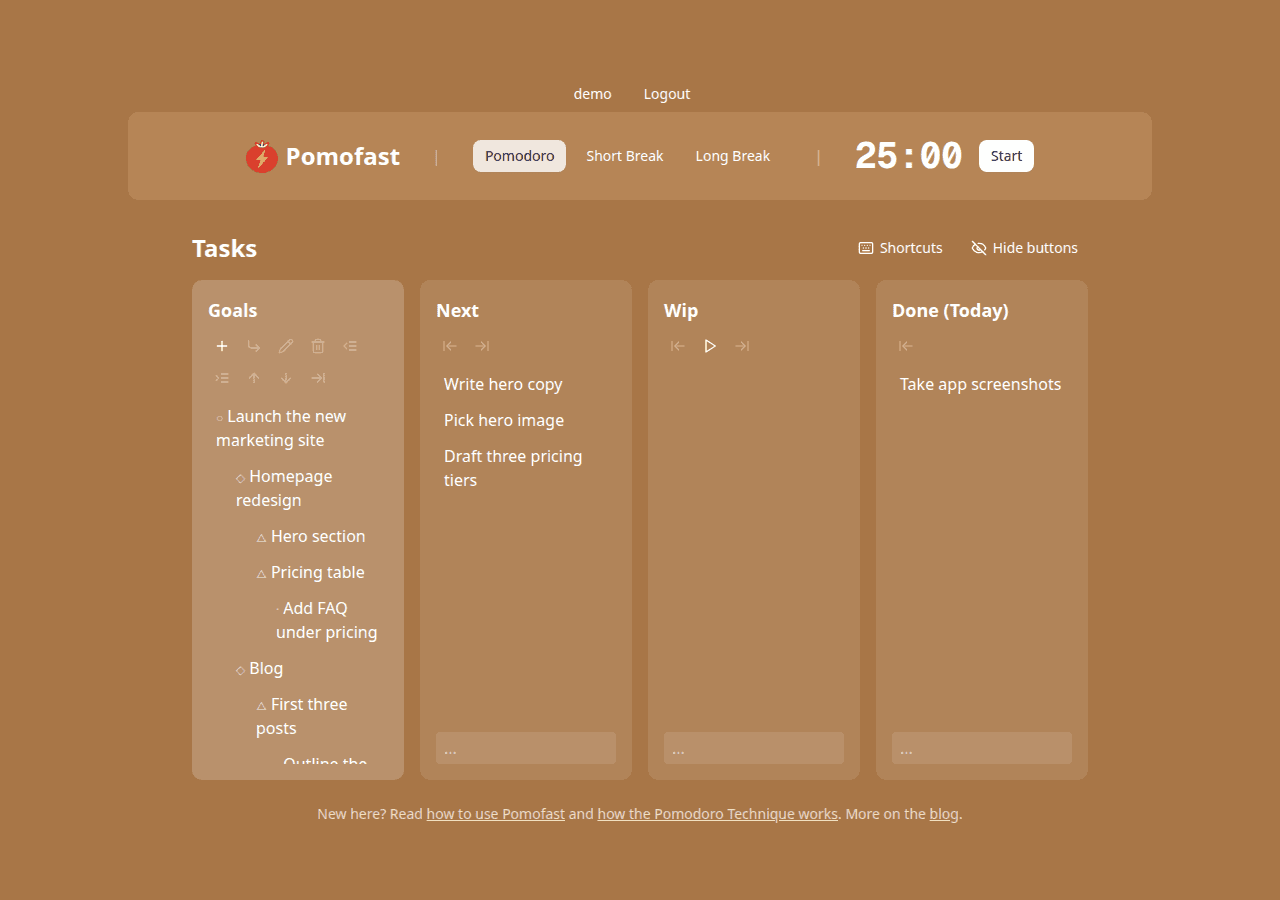
The Done column is the log. At the end of the day, look at it and ask three questions: How many sessions did I complete? Which of them served the goal I picked in the morning? What is still in Next, and does it deserve to be there tomorrow? Move anything unfinished back to Next or into the tree, and delete tasks that have stopped mattering. Tomorrow’s routine starts from a clean queue.
An example day
| Session | Task | Notes |
|---|---|---|
| 1 | Write hero copy | Hardest creative work first |
| 2 | Write hero copy | Second session on the same task, then done |
| 3 | Pick hero image | Short break before, as usual |
| 4 | Draft three pricing tiers | Long break after this one |
| 5 | Outline the Pomodoro post | Different project, same goal |
| 6 | Admin batch | Emails, ticket updates, filing |
| 7–8 | Optional | Filler tasks if energy allows; otherwise stop |
Six sessions is roughly three hours of real focus. It sounds small next to an eight-hour day, and it is more than most days deliver.
A weekly review in two Pomodoros
Once a week, spend one session on the tree: prune goals that no longer matter, add the next layer of tasks under the ones that do, and reorder projects by priority. Spend a second session comparing your Pomodoro estimates with the real counts. Those two sessions are what turn a timer habit into a planning system.
New to the method? Start with the Pomodoro Technique, explained, and for the mechanics of the board see Getting Started with Pomofast.